MP3, WAV, FLAC, AAC, OGG & OPUS
Convert spoken-word and general audio between widely used delivery, editing, compressed, and lossless file formats.
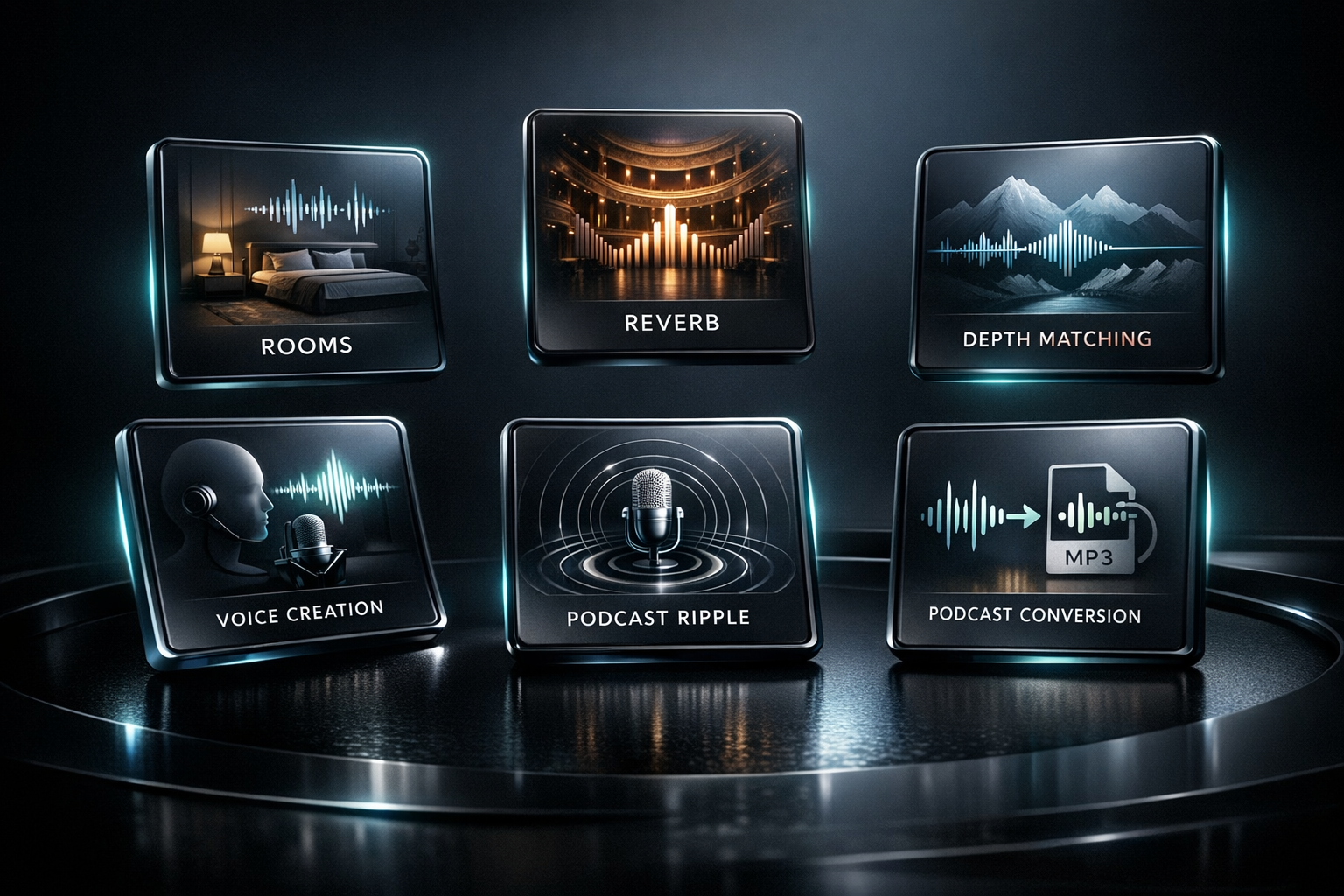

Free Podcast Audio Converter for Windows
PodConvert Pro is a free desktop audio converter for podcasters, YouTubers, churches, coaches, educators, audiobook producers, and anyone working with spoken-word audio.
Free Download
$0.00
Overview
Choose your audio file, choose where the converted file should be saved, select a podcast-friendly preset or custom settings, and convert. No subscription, no upload, no browser-based processing, and no complicated audio engineering workflow.
Convert a single file, multiple selected files, or a folder of audio files with optional subfolders. Output formats include MP3, WAV, FLAC, M4A/AAC, OGG Vorbis, and OPUS.
Podcast-focused presets include Podcast MP3, Podcast MP3 HQ, Podcast AAC, Archive FLAC, Editing WAV, and Custom Conversion with control over format, sample rate, channel mode, loudness, bitrate, and WAV bit depth.
PodConvert Pro processes locally on your Windows PC using FFmpeg internally, so private client shows, sermons, interviews, audiobook files, coaching calls, and unreleased content do not need to be uploaded to an online converter.
Processing capabilities
Local Windows conversion for delivery, editing, sharing, podcast publishing, and long-term audio archives.
Convert spoken-word and general audio between widely used delivery, editing, compressed, and lossless file formats.
Choose Podcast MP3, Podcast MP3 HQ, Podcast AAC, Archive FLAC, Editing WAV, or a custom conversion workflow.
Convert one file, multiple selected files, or complete folders with optional subfolder processing.
Prepare stereo audio around -16 LUFS or mono audio around -19 LUFS with true-peak control for podcast-friendly delivery.
Preserve channels or force mono or stereo, select common sample rates, and control WAV bit depth for the required destination workflow.
Convert private and unreleased audio on the Windows PC without uploading client shows, sermons, interviews, or audiobook files to an online service.
Core features
Convert MP3, WAV, FLAC, M4A/AAC, OGG Vorbis, and OPUS files
Work with one file, multiple files, folders, and optional subfolders
Apply podcast loudness targets around -16 LUFS stereo or -19 LUFS mono with true peak control
Preserve, force mono, or force stereo; choose 44.1 kHz, 48 kHz, 96 kHz, and WAV bit depths
Lighthouse Studio develops native Windows desktop applications rather than browser-based wrappers. Each product combines a systems-level processing backend with a lightweight interface, and audio files remain on the local workstation throughout processing and rendering.
Core audio processing is written in Rust for precise calculations, dependable performance, efficient memory use, and stable rendering during demanding sessions.
Lighthouse Studio applications use Tauri to provide a responsive desktop interface with compact installers and modest memory requirements, leaving more system resources available for audio processing.
Files are processed directly on your Windows workstation rather than uploaded to a cloud service. This keeps projects private and avoids network-dependent rendering delays.
More from Lighthouse
Transform raw, uneven, harsh, thin, or lifeless vocal recordings into polished, release-ready stereo WAV files — all from a single, focused Windows desktop app.
Make acoustic and resonator guitar WAV tracks sound fuller, clearer, wider, and more polished while preserving the natural character of the instrument.

Place full-length WAV tracks in 25 natural, believable acoustic spaces using carefully captured stereo room impulse responses.