Master Profiles
Shape the acoustic or resonator guitar track toward a selected tone using built-in profiles designed for a fast, controlled starting point.


Acoustic Guitar Tone Processing Software for Windows
Acoustic Tone Studio is a focused Windows desktop tool for players and engineers who want acoustic guitar tracks to sound fuller, clearer, wider, deeper, and more polished without losing the natural character of the performance.
Launch Price
$59.00
Overview
Many plugin chains can get you part of the way there, but a truly natural acoustic guitar sound often requires multiple EQs, saturation tools, stereo processors, room plugins, and careful gain staging. Acoustic Tone Studio brings essential acoustic-focused tools into one dedicated environment.
Start with a good mono or stereo WAV recording, then shape the tone, add realistic acoustic space, improve clarity, enhance warmth, and, when desired, convert a mono track into a natural stereo presentation without exaggerated delay-based widening.
The program is made for subtle, musical enhancement. Its focused controls and conservative workflow help preserve the real acoustic performance while adding the depth, clarity, presence, and polish needed for a finished sound.
The Current Session area keeps the loaded file, audio mode, level, sample rate, WAV format, bit depth, length, source channels, working channels, and peak level visible at the top. Turn modules on or off in their headers, adjust one open module at a time for better responsiveness, choose the source preview position, preview the enabled chain, compare with bypass, and render final audio from the bottom bar.
Product visual

Processing capabilities
A focused five-module chain for shaping tone, harmonic body, stereo depth, believable rooms, and final EQ polish.
Shape the acoustic or resonator guitar track toward a selected tone using built-in profiles designed for a fast, controlled starting point.
Add premium harmonic tone, depth, weight, and musical body while preserving the natural character of the recorded instrument.
Add subtle stereo width and depth, including a natural stereo presentation for mono source recordings when a broader image is needed.
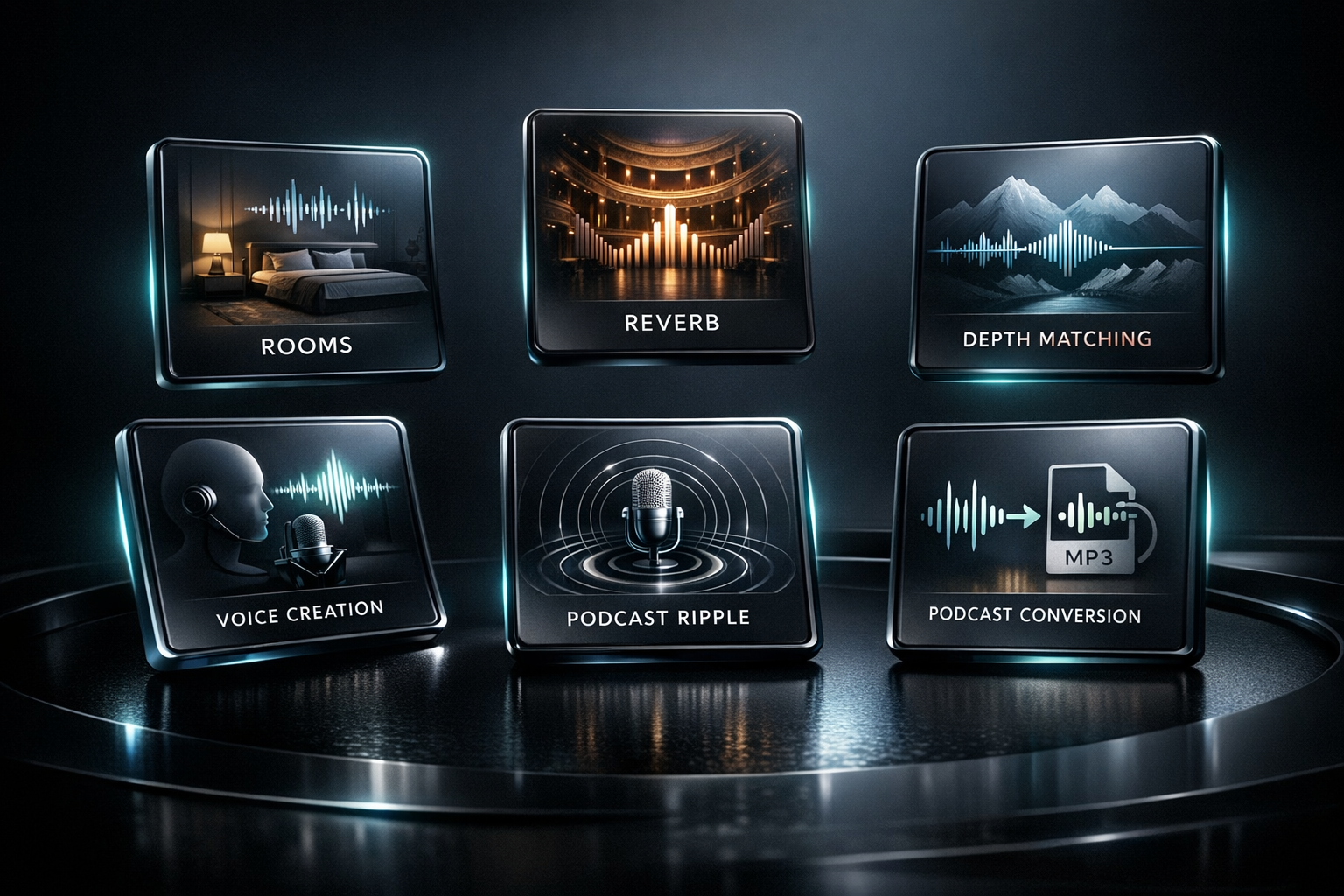
Place the guitar in realistic rooms, booths, and ambience spaces for believable acoustic dimension without washing out the performance.
Apply very high-quality final tone polish for controlled clarity, balance, and a more finished acoustic guitar sound.
Core features
Improve the tone of acoustic and resonator guitar recordings with a workflow built specifically for acoustic instruments
Add depth and dimension with carefully prepared room spaces that avoid washed-out or artificial ambience
Bring out clarity, presence, warmth, musical detail, and natural polish while protecting the original track
Shape the sound with built-in Master Profiles instead of stacking multiple separate plugins
Work with mono or stereo WAV files and convert mono recordings into a natural stereo output when desired
Keep sample rate, WAV bit depth, source mode, working mode, peak level, and file length visible in the Current Session area
Open one processing module at a time to preserve Studio responsiveness on slower computers and heavier sessions
Choose where the next 20-second source preview begins, preview the enabled chain, and compare processing with Bypass
Enhance stereo width without exaggerated delay effects or excessive mid-side processing
Prepare polished WAV files for mixes, demos, releases, videos, backing tracks, and roots-style productions
Designed for fingerpickers, slide players, blues musicians, gospel blues players, Delta blues artists, singer-songwriters, and resonator players
Lighthouse Studio develops native Windows desktop applications rather than browser-based wrappers. Each product combines a systems-level processing backend with a lightweight interface, and audio files remain on the local workstation throughout processing and rendering.
Core audio processing is written in Rust for precise calculations, dependable performance, efficient memory use, and stable rendering during demanding sessions.
Lighthouse Studio applications use Tauri to provide a responsive desktop interface with compact installers and modest memory requirements, leaving more system resources available for audio processing.
Files are processed directly on your Windows workstation rather than uploaded to a cloud service. This keeps projects private and avoids network-dependent rendering delays.
More from Lighthouse

Transform raw, uneven, harsh, thin, or lifeless vocal recordings into polished, release-ready stereo WAV files — all from a single, focused Windows desktop app.

Place full-length WAV tracks in 25 natural, believable acoustic spaces using carefully captured stereo room impulse responses.
Bring mixes into inspiring acoustic spaces with premium stereo convolution reverbs for plates, chambers, halls, cathedrals, ambience, and springs.