25 Acoustic Rooms
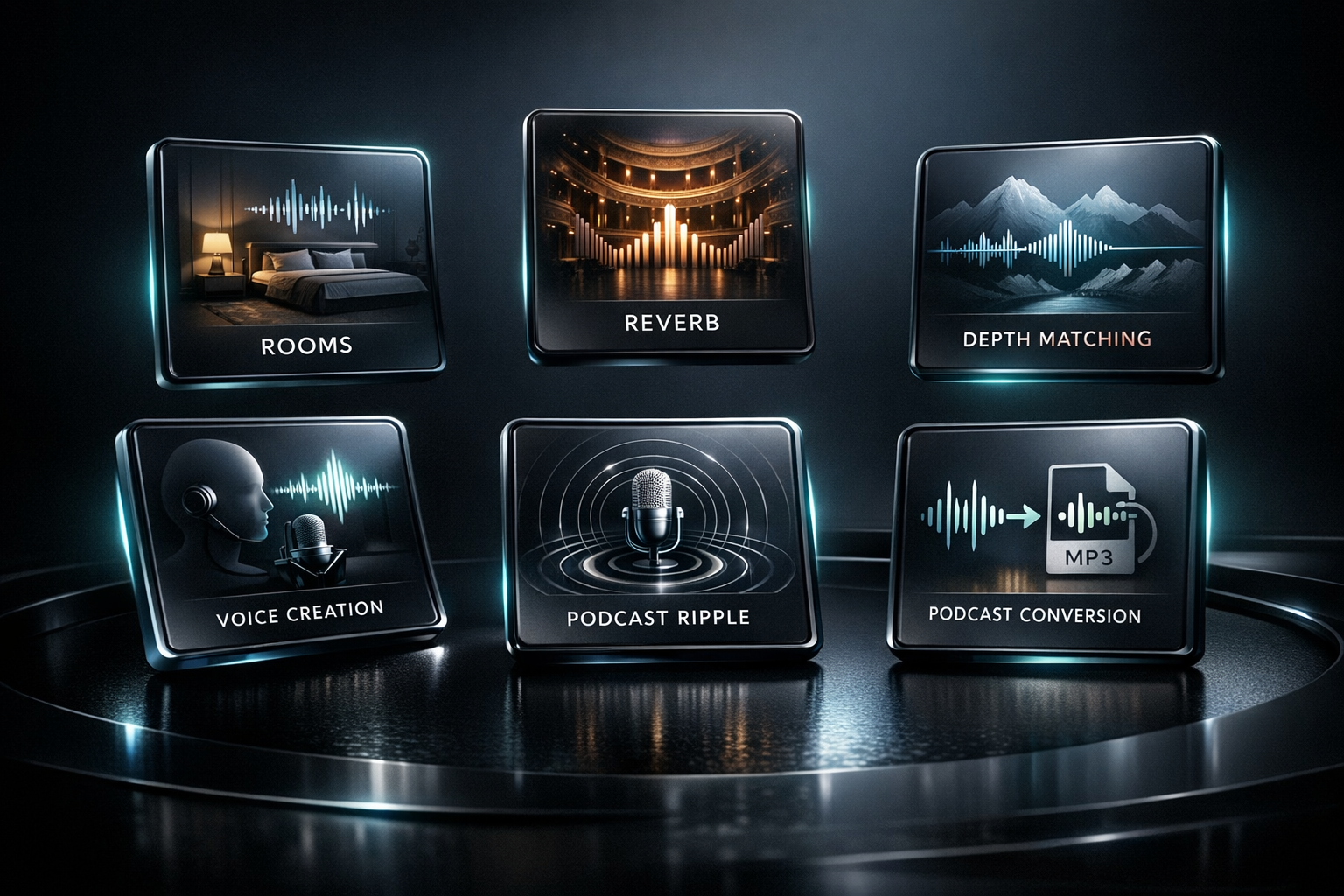
Choose from 25 captured acoustic spaces, each presented with a clear room name and a concise description of its character.


Room Ambience & Acoustic Placement Software for Windows
Aether Rooms is professional Windows room ambience software for placing WAV recordings in realistic acoustic spaces with natural depth, early reflections, and a convincing sense of distance.
Launch Price
$79.00
Overview
Rather than creating space with a synthetic reverb effect, Aether Rooms uses real stereo room impulse responses to place music inside a natural-sounding acoustic environment.
Load a WAV file, choose from 25 acoustic rooms, and shape the placement with Source Distance, Reflection Focus, and Wet / Dry controls. The streamlined workflow is designed for full songs and music tracks that need convincing depth and dimension without complicated routing.
The selected room remains clearly identified while its waveform and essential impulse-response details are displayed, including channel count, sample rate, duration, direct sound, early reflections, and room tail. A separate source waveform shows the loaded track’s channel count, sample rate, and length.
Use Play and Bypass to hear the room processing in context, Reset to restore the placement controls, and review the source and output details in Session Status before creating the completed file with Render Final WAV.
Aether Rooms is built for producers, engineers, artists, and sound designers who want believable acoustic depth with a direct workflow: load the track, choose the room, place the source, and render the finished WAV.
Processing capabilities
Choose from 25 captured acoustic rooms, inspect both room and source waveforms, then control front-to-back placement and room balance.
Choose from 25 captured acoustic spaces, each presented with a clear room name and a concise description of its character.
See the selected room response alongside its channel count, sample rate, duration, direct sound, early reflections, and room tail.
View the loaded WAV waveform, channel count, sample rate, and track length while previewing and adjusting the room placement.
Control front-to-back placement within the selected acoustic room, from a near source to a more distant room perspective.
Choose how the room reflections support the source, including a Natural setting for balanced acoustic placement.
Set the percentage of processed room sound blended with the original source for subtle depth or a stronger acoustic presentation.
Play the source, compare the room processing with Bypass, and reset placement controls without leaving the project.
Confirm the loaded filename, stereo WAV format, sample rate, and bit depth before creating the completed file with Render Final WAV.
Core features
Choose from 25 acoustic rooms built from real stereo room impulse responses
View selected-room metadata including channels, sample rate, duration, direct sound, early reflections, and room tail
Inspect the loaded source-track waveform with channel count, sample rate, and track length
Use Source Distance for front-to-back placement and Reflection Focus for room character
Control the percentage of processed space with the Wet / Dry setting
Use Bypass, Play, and Reset for fast comparison and placement adjustments
Review output details in Session Status and create the completed file with Render Final WAV
Designed for full songs, music tracks, WAV files up to 96 kHz, and Windows desktop PCs
Lighthouse Studio develops native Windows desktop applications rather than browser-based wrappers. Each product combines a systems-level processing backend with a lightweight interface, and audio files remain on the local workstation throughout processing and rendering.
Core audio processing is written in Rust for precise calculations, dependable performance, efficient memory use, and stable rendering during demanding sessions.
Lighthouse Studio applications use Tauri to provide a responsive desktop interface with compact installers and modest memory requirements, leaving more system resources available for audio processing.
Files are processed directly on your Windows workstation rather than uploaded to a cloud service. This keeps projects private and avoids network-dependent rendering delays.
More from Lighthouse

Transform raw, uneven, harsh, thin, or lifeless vocal recordings into polished, release-ready stereo WAV files — all from a single, focused Windows desktop app.

Make acoustic and resonator guitar WAV tracks sound fuller, clearer, wider, and more polished while preserving the natural character of the instrument.
Bring mixes into inspiring acoustic spaces with premium stereo convolution reverbs for plates, chambers, halls, cathedrals, ambience, and springs.