
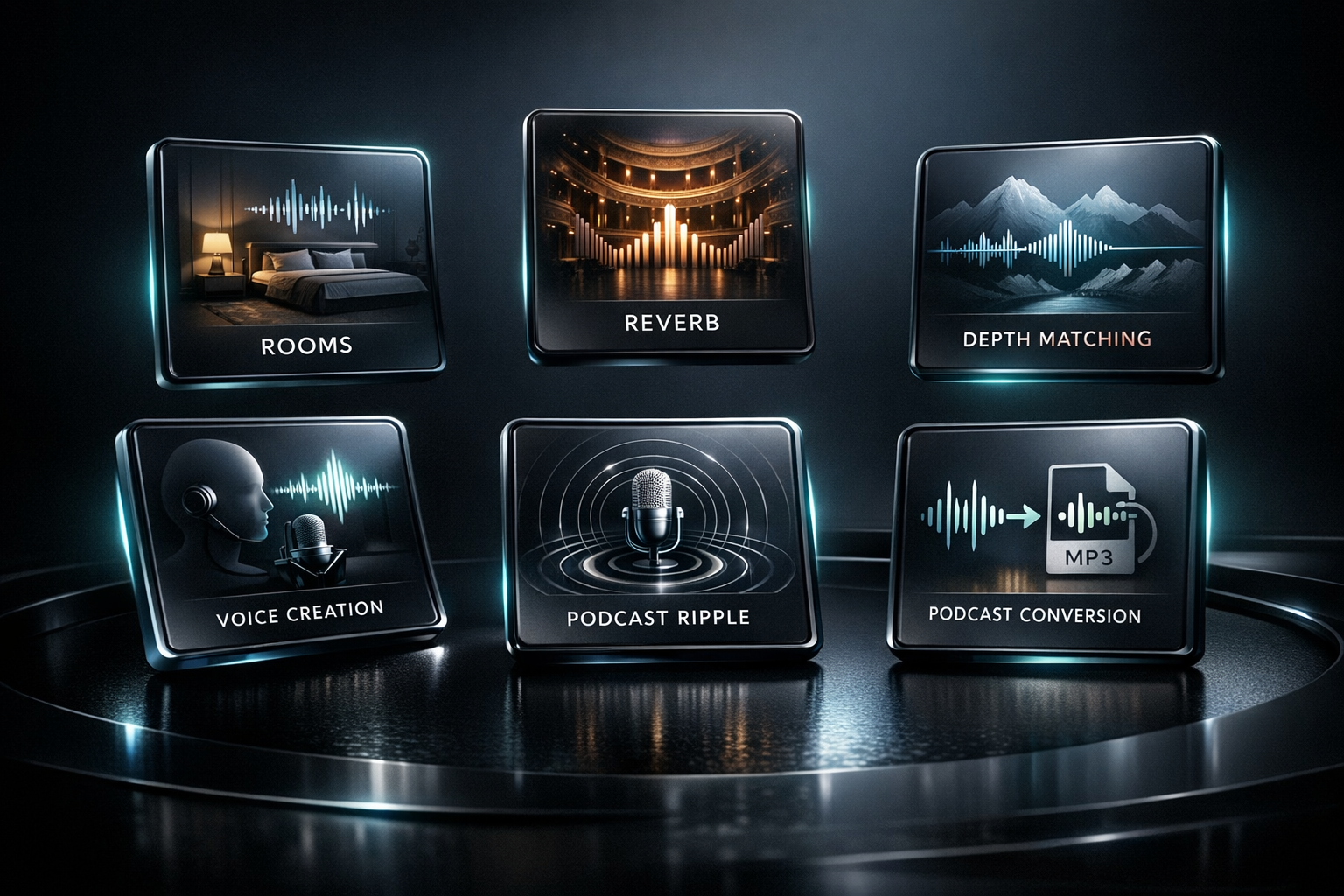
VoiceForge Pro Pipeline
VoiceForge Pro Pipeline includes the full VoiceForge Pro Studio for hands-on single-file voice processing, then adds a professional batch/background engine for high-volume spoken-word production.
Launch Price
$129.00
Overview
Everything in VoiceForge Pro, plus automated high-volume rendering.
VoiceForge Pro is the interactive Studio side: load one audio file, clean and enhance the voice, match tone, shape space, preview changes, and render a finished WAV or MP3 with high-quality offline processing.
VoiceForge Pro Pipeline gives you that complete Studio workflow, then adds production automation. Save the Studio chain you perfected and apply it across large queues of audio files using presets, watch folders, queue controls, history, detailed logs, and unattended background rendering.
The difference is scale: VoiceForge Pro is for building and mastering one file at a time, while VoiceForge Pro Pipeline is for producers, audiobook teams, podcast editors, and studios that need the same polished chain applied reliably across many files.
Core features
Build the chain once. Apply it across serious production batches.
Includes the complete VoiceForge Pro Studio for interactive voice cleaning, enhancement, matching, spacing, and mastering
Applies saved Studio chains to large queues of files with preset-driven automation
Watch folders, queue controls, history, detailed logs, and unattended background rendering
Built for high-volume audiobook, podcast, narration, and studio voice-production workflows
Engineered for performance. Built for Windows.
We do not build web apps disguised as desktop software, and we do not offload your data to slow cloud servers. Lighthouse Studio products are written from the ground up for high-performance Windows workstations, combining a native systems-level backend with an ultra-lightweight user interface.
Native Rust DSP Engine
Our core digital signal processing is written in Rust for high-performance systems engineering, mathematical precision, stability, and fast rendering without fragile web-app overhead.
Zero-Bloat Desktop Architecture
By using Tauri instead of resource-heavy legacy frameworks, Lighthouse Studio apps stay lightweight, launch quickly, and preserve more CPU power for processing your audio.
100% Local, Offline Processing
Your files are processed directly on your Windows workstation. We do not offload your audio to cloud servers, so your data stays private and rendering avoids cloud latency.
More from Lighthouse
Explore the suite

Transform raw, uneven, harsh, thin, or lifeless vocal recordings into polished, release-ready stereo WAV files — all from a single, focused Windows desktop app.

Shape acoustic and resonator guitar WAV tracks so they sound fuller, clearer, wider, deeper, and more professional while still sounding real.

Place WAV tracks inside natural, believable acoustic spaces using carefully captured stereo room impulse responses.