
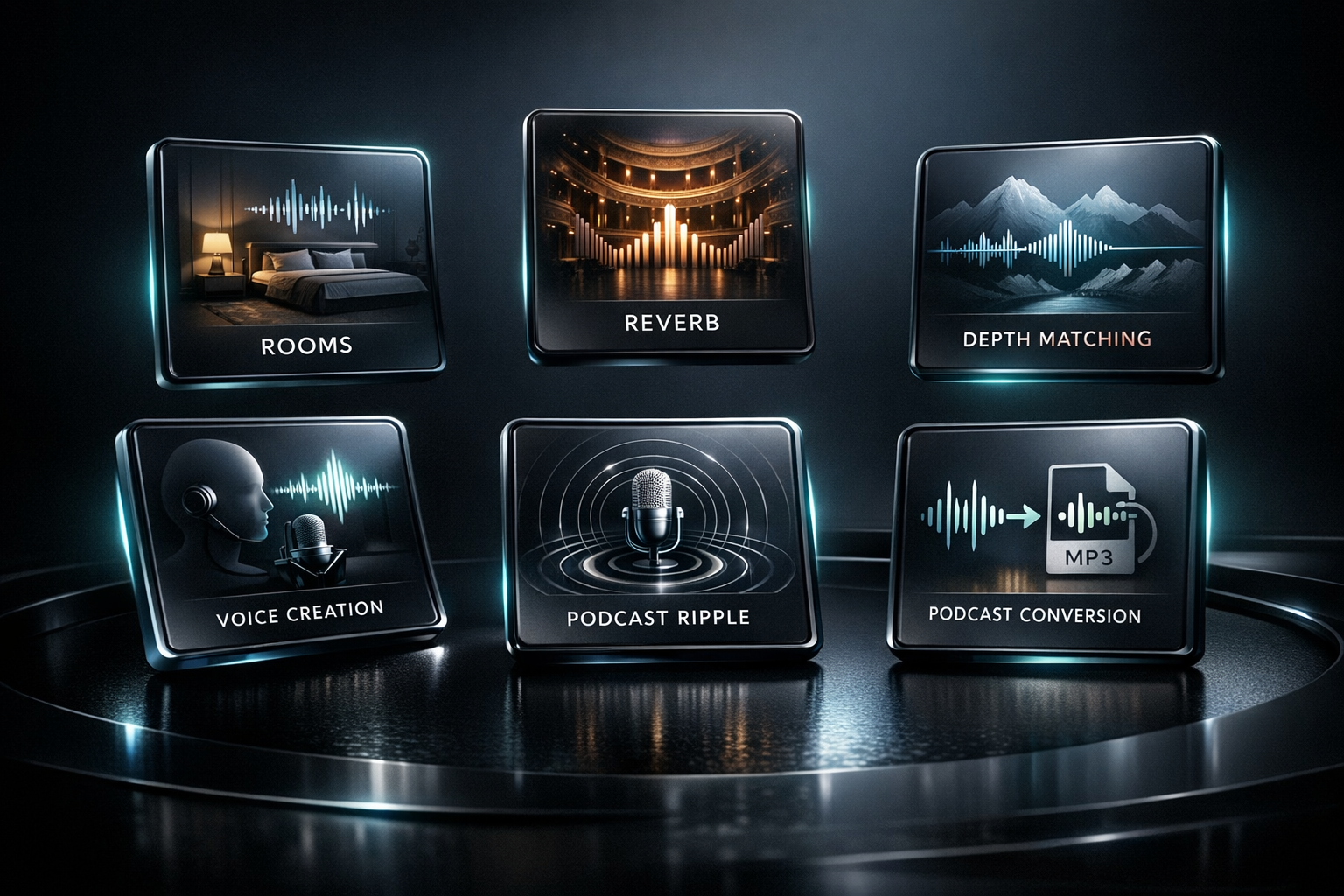
Pod Convert Pro
PodConvert Pro is a free desktop audio converter for podcasters, YouTubers, churches, coaches, educators, audiobook producers, and anyone working with spoken-word audio.
Free Download
$0.00
Overview
Simple local audio conversion for real creator workflows.
Choose your audio file, choose where the converted file should be saved, select a podcast-friendly preset or custom settings, and convert. No subscription, no upload, no browser-based processing, and no complicated audio engineering workflow.
Convert a single file, multiple selected files, or a folder of audio files with optional subfolders. Output formats include MP3, WAV, FLAC, M4A/AAC, OGG Vorbis, and OPUS.
Podcast-focused presets include Podcast MP3, Podcast MP3 HQ, Podcast AAC, Archive FLAC, Editing WAV, and Custom Conversion with control over format, sample rate, channel mode, loudness, bitrate, and WAV bit depth.
PodConvert Pro processes locally on your Windows PC using FFmpeg internally, so private client shows, sermons, interviews, audiobook files, coaching calls, and unreleased content do not need to be uploaded to an online converter.
Core features
Everything needed to create delivery, editing, sharing, and archive files.
Convert MP3, WAV, FLAC, M4A/AAC, OGG Vorbis, and OPUS files
Work with one file, multiple files, folders, and optional subfolders
Apply podcast loudness targets around -16 LUFS stereo or -19 LUFS mono with true peak control
Preserve, force mono, or force stereo; choose 44.1 kHz, 48 kHz, 96 kHz, and WAV bit depths
Engineered for performance. Built for Windows.
We do not build web apps disguised as desktop software, and we do not offload your data to slow cloud servers. Lighthouse Studio products are written from the ground up for high-performance Windows workstations, combining a native systems-level backend with an ultra-lightweight user interface.
Native Rust DSP Engine
Our core digital signal processing is written in Rust for high-performance systems engineering, mathematical precision, stability, and fast rendering without fragile web-app overhead.
Zero-Bloat Desktop Architecture
By using Tauri instead of resource-heavy legacy frameworks, Lighthouse Studio apps stay lightweight, launch quickly, and preserve more CPU power for processing your audio.
100% Local, Offline Processing
Your files are processed directly on your Windows workstation. We do not offload your audio to cloud servers, so your data stays private and rendering avoids cloud latency.
More from Lighthouse
Explore the suite
Transform raw, uneven, harsh, thin, or lifeless vocal recordings into polished, release-ready stereo WAV files — all from a single, focused Windows desktop app.
Shape acoustic and resonator guitar WAV tracks so they sound fuller, clearer, wider, deeper, and more professional while still sounding real.

Place WAV tracks inside natural, believable acoustic spaces using carefully captured stereo room impulse responses.